





On this page
After you have physically set up your G GJIA Permanent Outdoor Lights, you must then perform some technical tasks with the help of your smartphone.
1. Choose Scan QRCode below or from the Adapter, or can direct download in your app store.

2. Click Add Device button and then long press the button on the Adapter


2. Adjusting Some Settings
After connecting, you'll find a wide selection of preset scenes to choose from, such as holiday lights ready for a party or dim daytime lights. You can also program light schedules to turn on or off at sunset, sunrise, or at a specific time of day.
Comes with Aleax or Google Assistant, enabling voice commands. Simply tell Alexa to turn on the outside lights, or instruct Google to set the patio lights to blue.

3. Music Sync
Can sync the lights to music using either the built-in microphone on the G GJIA RGCW Eave Light or your phone’s microphone, making these lights perfect for setting the mood at a party or while relaxing. Simply open the app and switch to Music Mode to watch the lights pulse and glow to the rhythm of your favorite songs.

4. Outdoor Wi-Fi Connectivity Tips
For a stable connection, please follow these guidelines:
- Ensure your router is positioned within 30 feet of the control box.
- Avoid obstructions like thick walls or metal siding, as they can significantly hinder the Wi-Fi signal.
- To extend coverage, consider using a Wi-Fi range extender.
- Keep your app and device firmware updated for optimal performance.

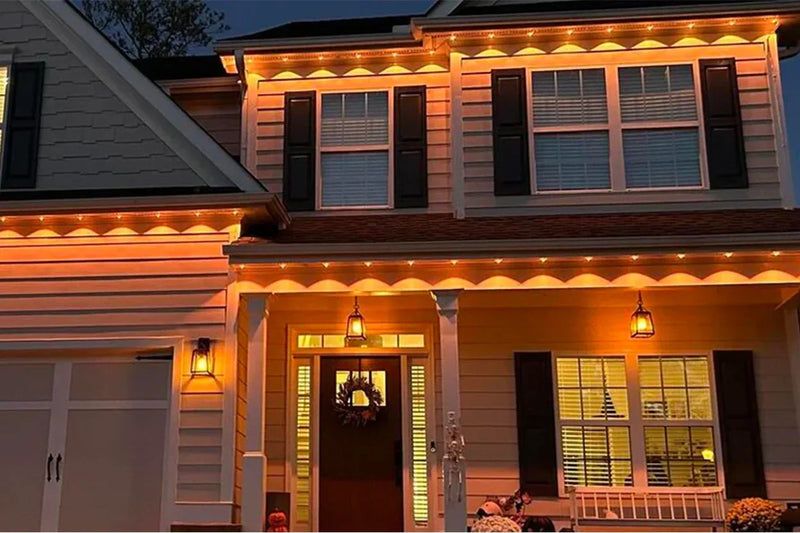
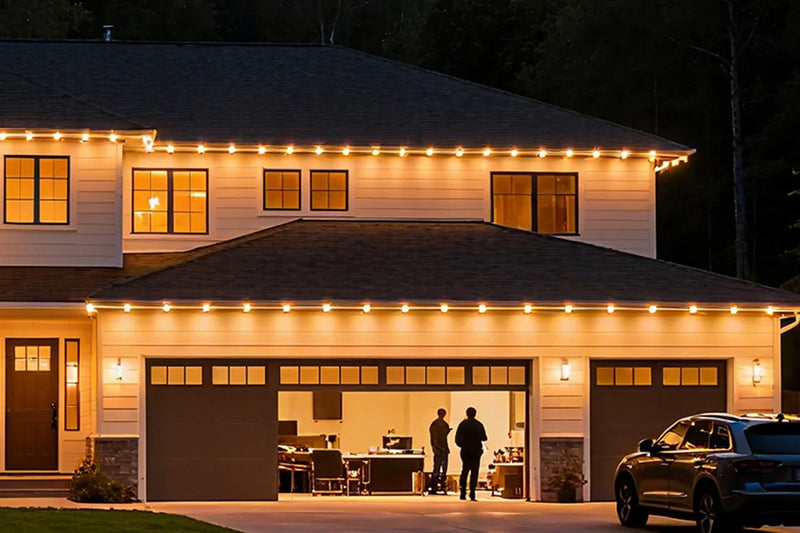
Find the right light for your space.
Explore GGJIA lighting, compare your options, and get help with your next project.
JOIN THE CONVERSATION
Leave a comment
READER DISCUSSION
Discussion
No comments yet. Be the first to share your thoughts.