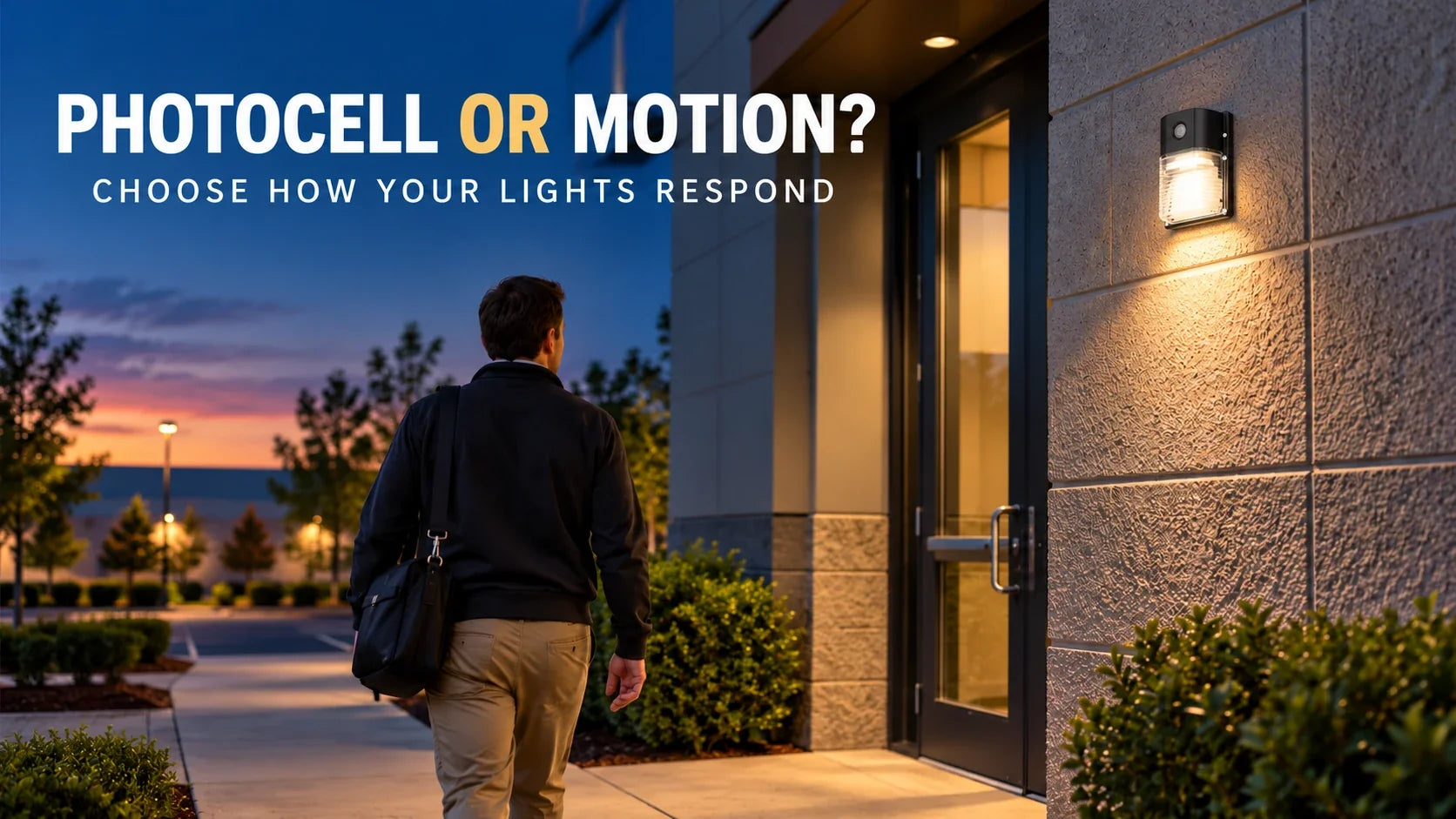
Photocell vs. Motion Sensor Lights: Which Control Fits Your Property?
Compare steady nighttime visibility with motion response, including placement and timing checks that affect the experience.
Read the article →Compare motion-activated LED lights by power source, mounting and the activity being detected. Keep indoor high-bay and outdoor solar configurations separate, then choose the sensing equipment supplied with the exact order.
Planning concept: standby response depends on the model. Test detection, hold time and daylight settings at the installation.
Compare outdoor solar fixtures separately from mains-powered indoor high bays. Check the selected model’s mounting, supply and environmental conditions.
Plan approach paths, shelving and pauses at workstations. Test detection and hold time at the intended mounting height so the response suits the activity.
Choose With Sensor or With Motion where the product offers that option. Without Sensor and Basics configurations must not be assumed to include the same sensing package.
For the UFO model, select the With Motion option when motion response is required.
| Decision | Available features | Selection check |
|---|---|---|
| Outdoor solar fixtures | Solar-powered lighting with listed motion-sensing functions. | Confirm the supplied sensor, mounting and operating mode for that model. |
| Indoor high bays | 0–10V dimmable models with product-specific sensing options. | Select the required variant and compatible controls. |
| Response after movement | Model-dependent hold, standby, dimming and off behavior. | Choose timings around realistic pauses rather than expecting every model to act identically. |
Compare the fixtures above. For project help, share the indoor or outdoor location, mounting height, supply type, traffic pattern and quantity.
Test the real approach and a realistic pause. Motion control works best when the detection area and timing suit the activity; keep any necessary route lighting in place.

Compare steady nighttime visibility with motion response, including placement and timing checks that affect the experience.
Read the article →Compare linear fixtures, then select the sensor option required for your project.
Explore the collection →Explore pole-mounted outdoor fixtures and check their individual control configurations.
Explore the collection →Explore wall-mounted exterior lighting when the building perimeter needs illumination.
Explore the collection →Browse the GGJIA article library for lighting background and project ideas.
Browse articles →Try fixture placement and compare estimated illuminance and power before deciding on a layout.
Try the tool →Excludes Alaska and Hawaii. Confirm delivery timing for your project.
Shipping informationKeep the original packaging and contact support before returning an order.
Return conditionsQuestions about your selection? sales@ggjia-led.com
Coverage must be checked for the supplied sensor at the actual mounting height; fixture wattage alone does not establish detection range. Show the aisle layout, shelving, traffic direction and obstructions when selecting a configuration. Check the sensor’s mounting-height and coverage information, then trial the proposed location with the movements that matter to the work. A sensor positioned above shelving may not detect the same route as one with a clear view into the aisle.
Select the sensing option explicitly. The linear high bays offer With Sensor and Without Sensor choices; a Basics feature label alone does not identify that sensor choice. On the linked UFO family, the current default is Basics / 1 Pack, so select With Motion when motion response is required. Confirm the supplied sensor, any remote and the available daylight or standby settings for the exact configuration before ordering. Series options do not mean every variant includes the same controls.
Not necessarily. A motion sensor may miss a person who stays still or moves only slightly. Plan the detection area, hold time and any standby light level around real activities, including picking, inspection and desk work. Ask which settings the supplied sensor actually offers; some systems switch off while others can dim to a standby level. Trial the configuration in the intended area before relying on it for continuous task lighting.
Plan motion and daylight control behavior — Review detection routes, work pauses and control modes before choosing the configuration.
Do not assume that a sensor sold for one high bay is a universal add-on for another. Identify the existing fixture and driver, then request an approved sensor and installation arrangement for that exact model. A similar connector or a 0–10V dimming label alone does not prove compatibility. If a supported retrofit cannot be confirmed, compare a complete fixture in the required sensing configuration rather than purchasing an unverified accessory.
No. Compare the two groups against their own power source, environment and operating pattern. Indoor high bays use a wired installation; the solar options need suitable sunlight for charging and a documented lighting mode. A solar fixture that raises output after movement is different from continuous full-output lighting. Send the site, seasonal operating hours and required behavior, and confirm the exact model’s sensor package and runtime conditions before selecting it for the project.
Thanks for subscribing!
This email has been registered!
| Product | SKU | Description | Collection | Availability | Product type | Other details |
|---|